
For large gardens up to 1,200 m² · delivery in 1–2 days
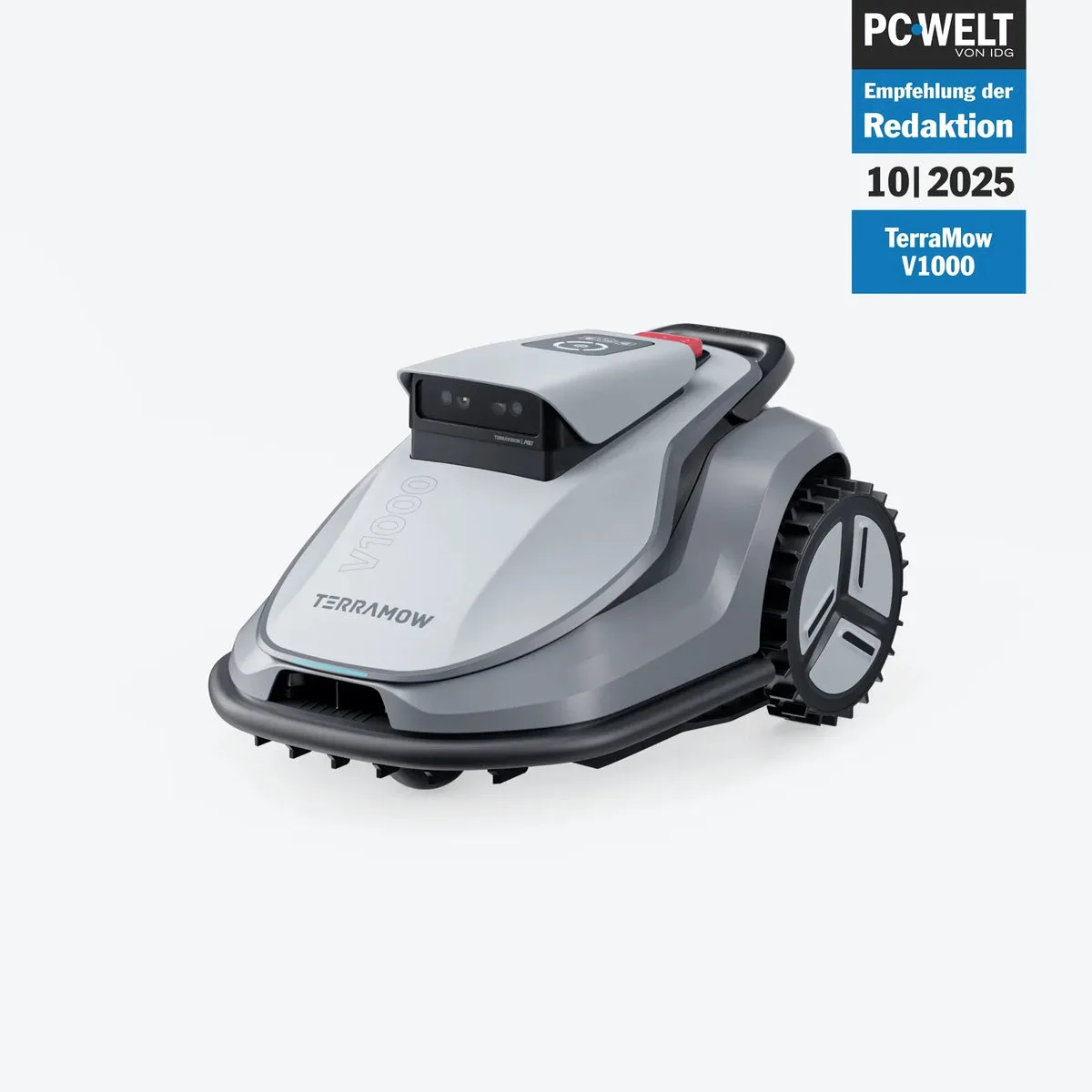
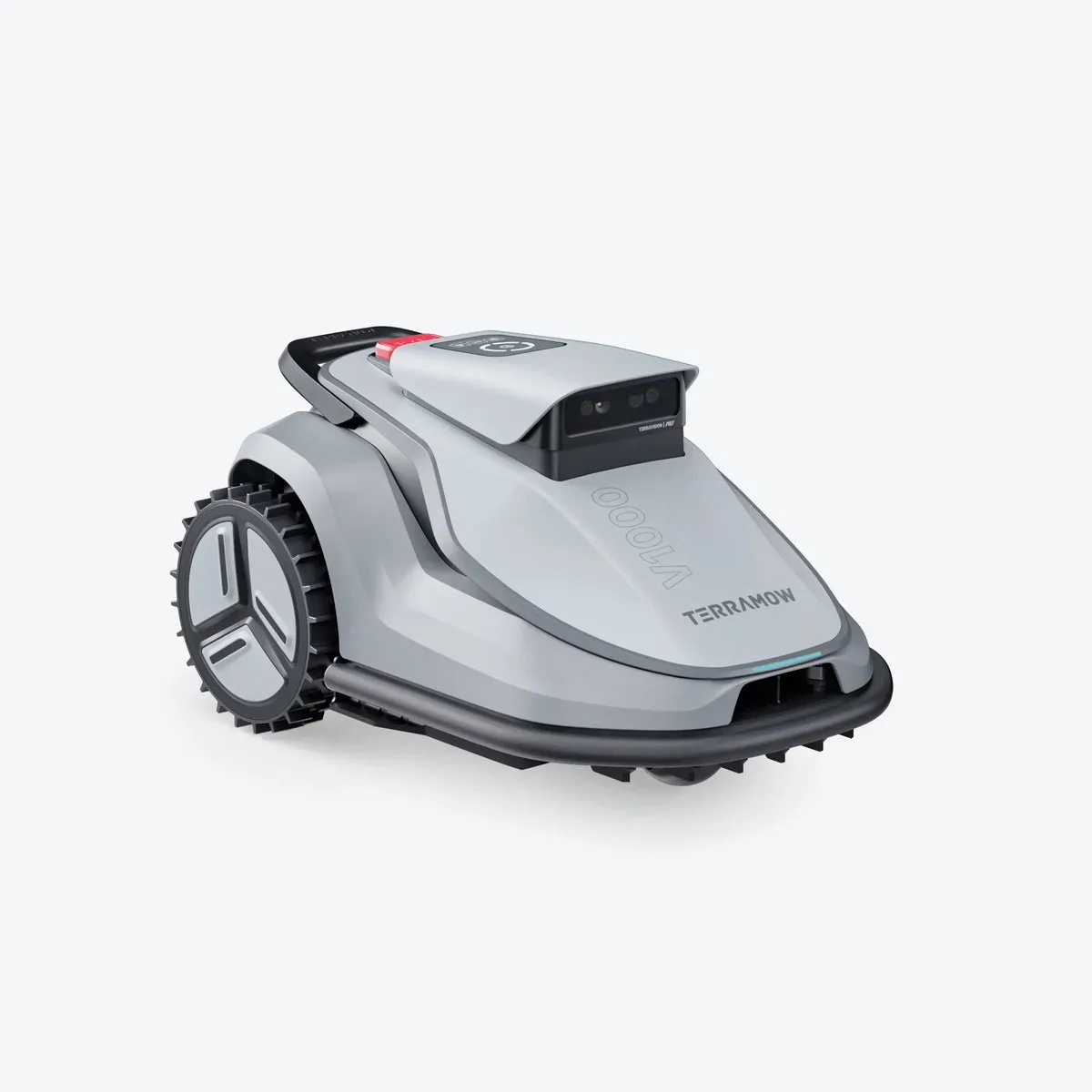
TerraMow V1000 Robot lawn mower without boundary wire · up to 1,200 m²
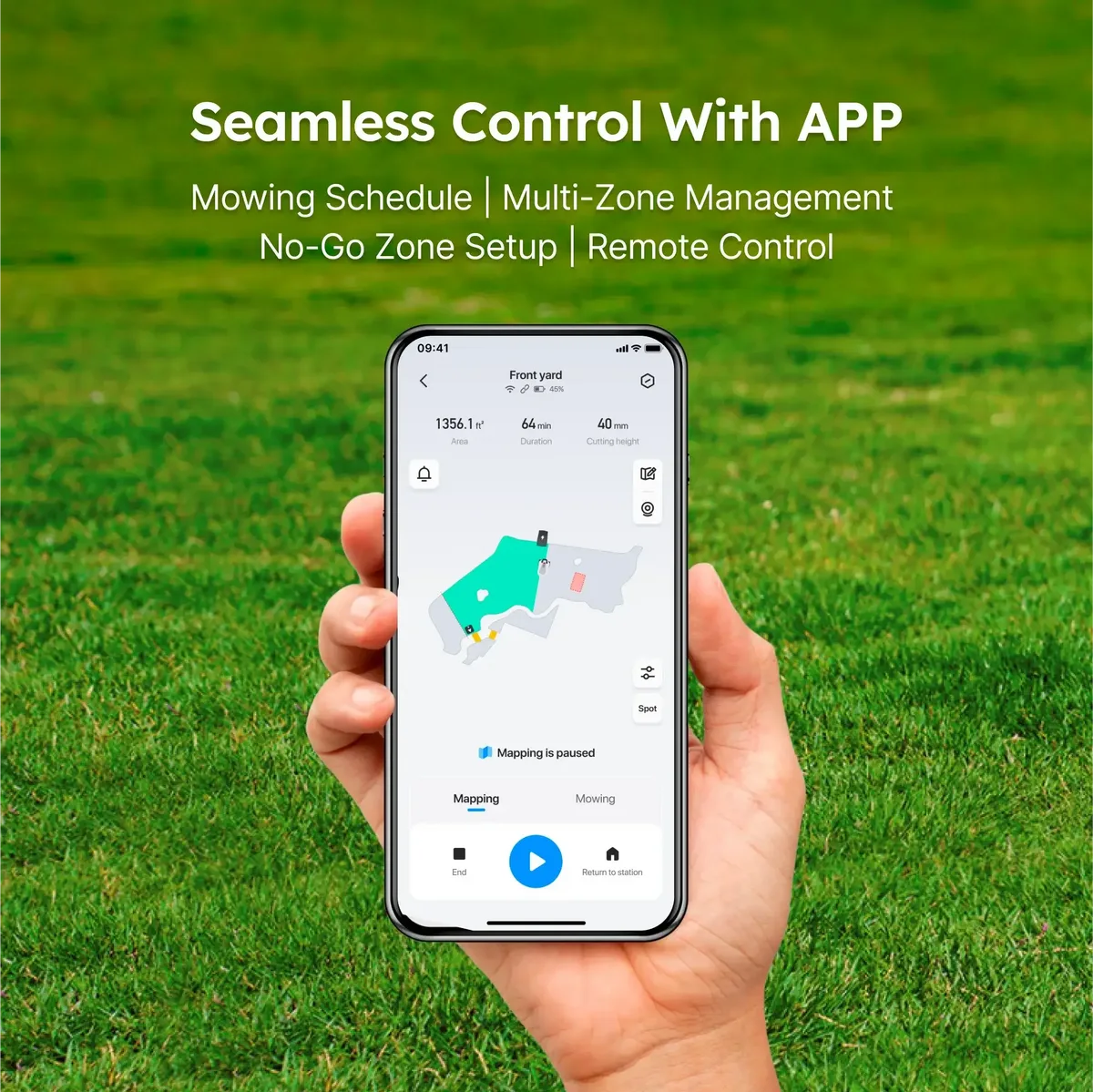
Large areas, the same simplicity. The TerraMow V1000 mows gardens up to 1,200 m² using an AI camera – without a boundary wire, without RTK, without app dependency.
Garage FREE
Value ~249 €
Value ~249 €
27× spare blades FREE
Value ~39 €
Value ~39 €
4G module (1 year) FREE
Value ~19 €
Value ~19 €
Free shipping FREE
Value ~20 €
Value ~20 €
TerraMow V1000 price (offer price)
1,199.00 €
1,299.00 €
Offer −8%
incl. VAT
Free shipping DE · delivery time 1–2 business days · In stock
Official TerraMow partner·
3-year warranty·
30-day return·
Free shipping DE·
Secure payment by credit card
In stock · delivery in 1–2 business days
✓ 30-day return
✓ 3-year warranty
✓ Best-Price Guarantee
✓ Free shipping
Pay securely:
Visa
Mastercard
Apple Pay
Google Pay
Questions before buying? Write to us at info@terramow-online.de – usually answered the same business day.