
Bestseller for up to 600 m² · Delivery in 1–2 days
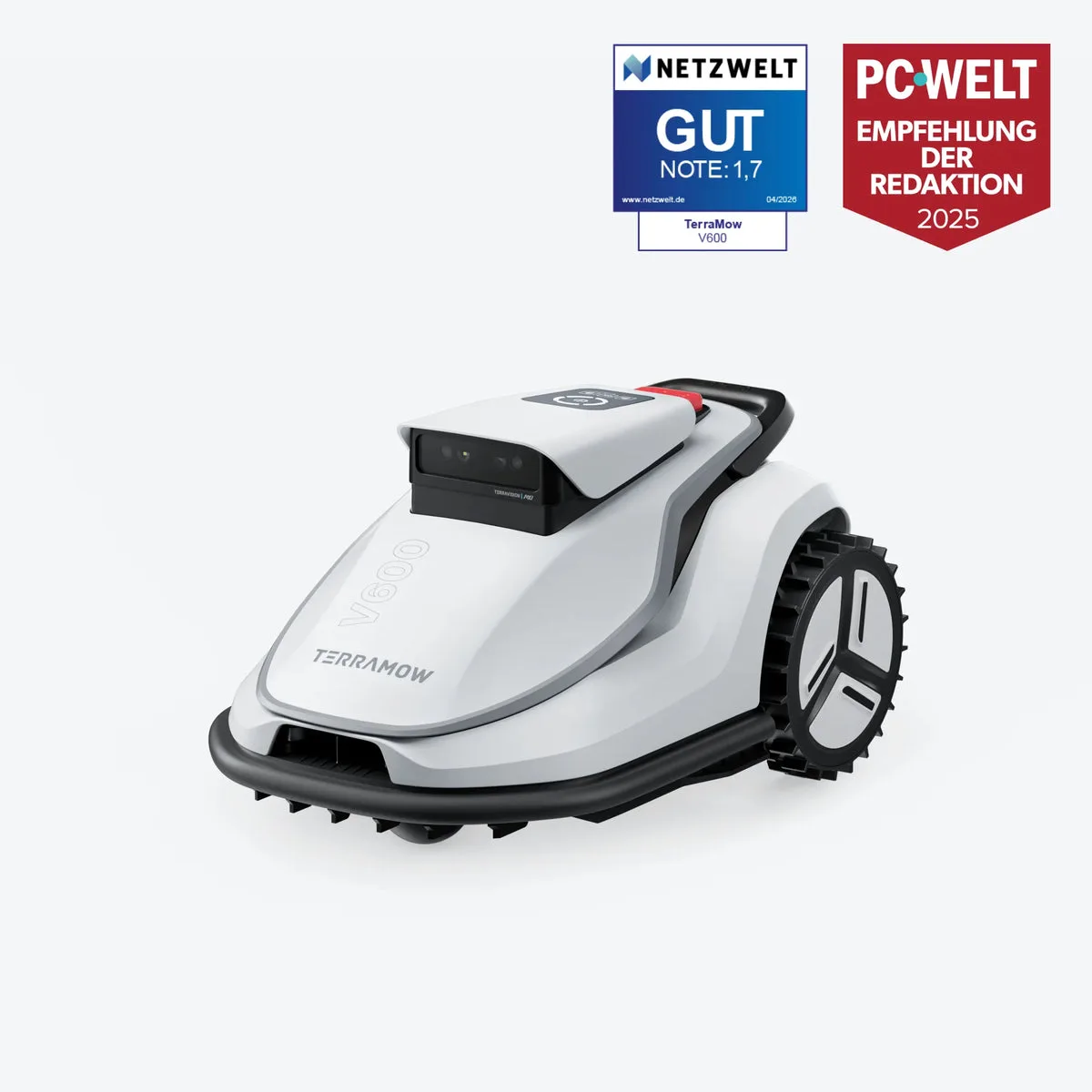
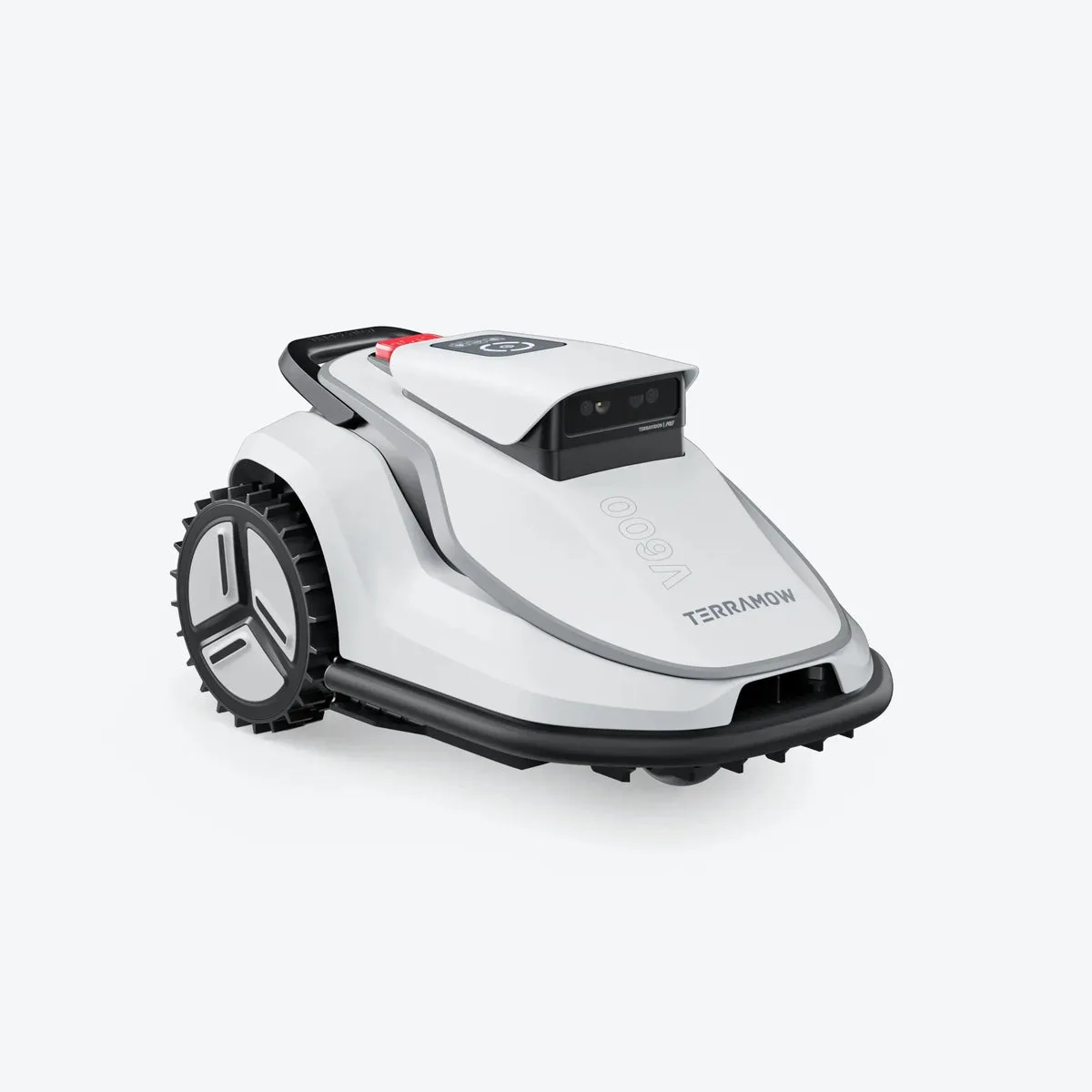
TerraMow V600 Robot lawn mower without boundary wire · up to 600 m²
Set it up, press start, let it mow. The TerraMow V600 maps gardens up to 600 m² via AI camera – without boundary wire, without RTK, without app dependency.
Garage FREE
Value ~249 €
Value ~249 €
27× spare blades FREE
Value ~39 €
Value ~39 €
4G module (1 year) FREE
Value ~19 €
Value ~19 €
Free shipping FREE
Value ~20 €
Value ~20 €
TerraMow V600 price (offer price)
899.00 €
999.00 €
Offer −10 %
incl. VAT
Free shipping within Germany · Delivery time 1–2 working days · In stock
Official TerraMow partner·
3-year warranty·
30-day returns·
Free shipping within Germany·
Secure payment by credit card
In stock · Delivery in 1–2 working days
✓ 30-day returns
✓ 3-year warranty
✓ Best-price guarantee
✓ Free shipping
Pay securely:
Visa
Mastercard
Apple Pay
Google Pay
Questions before buying? Write to us at info@terramow-online.de – usually a reply the same working day.